What is Mopoga?

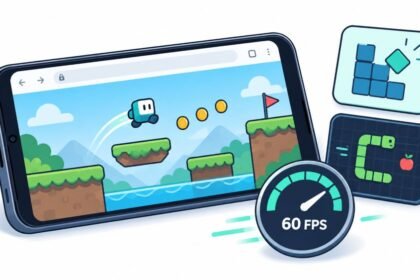
Mopoga is a free mobile games platform that runs entirely inside your web browser. Instead of sending you to an app store, making you wait through a download and asking for permissions before you have seen a single frame, it opens the game in the page you are already on. You tap a title, it starts, and when you close the tab nothing is left behind on your device.
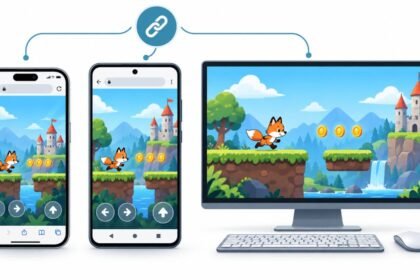
The library is split into twenty four categories covering action, puzzle, racing, strategy, sports, card, kids and more. It behaves the same way on an iPhone, an Android handset and a desktop, and progress is saved in your own browser rather than in an account, because there is no account to make.
How to Play Android and iOS Games for Free on Mopoga
Playing free games on Mopoga takes seconds and asks nothing of your phone. Open the browser you already use on your Android or iOS device, go to Mopoga, and a full library of action, puzzle, strategy, racing and card games is waiting. There is no app store to visit, nothing to install and no storage to give up.
Pick a title, read what it is about, then press Play Now and it loads straight into the tab. Gameplay runs without interruption, fresh games arrive regularly, and passing a favourite along to a friend is as easy as sending the link.
Start playing free
No download · No sign-up
-
Visit Mopoga
Open Chrome, Safari or whichever browser you already use on your Android or iOS device and go to the Mopoga homepage. The layout is built for small screens, so everything stays within reach of one thumb.
-
Browse Games
Work through the library by genre. Action, puzzle, strategy, racing, sports, card, kids and more each have their own page, so you can narrow things down fast instead of scrolling past titles you were never going to play.
-
Select a Game
Tap any title to open its page. You get a short description, screenshots and the basics of how it plays, which is usually enough to tell within a few seconds whether it is worth your time.
-
Start Playing
Press Play Now and the game loads inside the browser. Nothing downloads, nothing installs and no storage is used, so you are already playing while an app store would still be showing a progress bar.
-
Enjoy and Explore
Play as long as you like, then move on to the next one. New games are added regularly, so the front page is worth another look even if you worked through your favourites last week.
-
Share Your Experience
Send a link to a friend when you find something good, and leave feedback on the games you play. Those notes shape what gets added next and help other players find the titles worth opening.
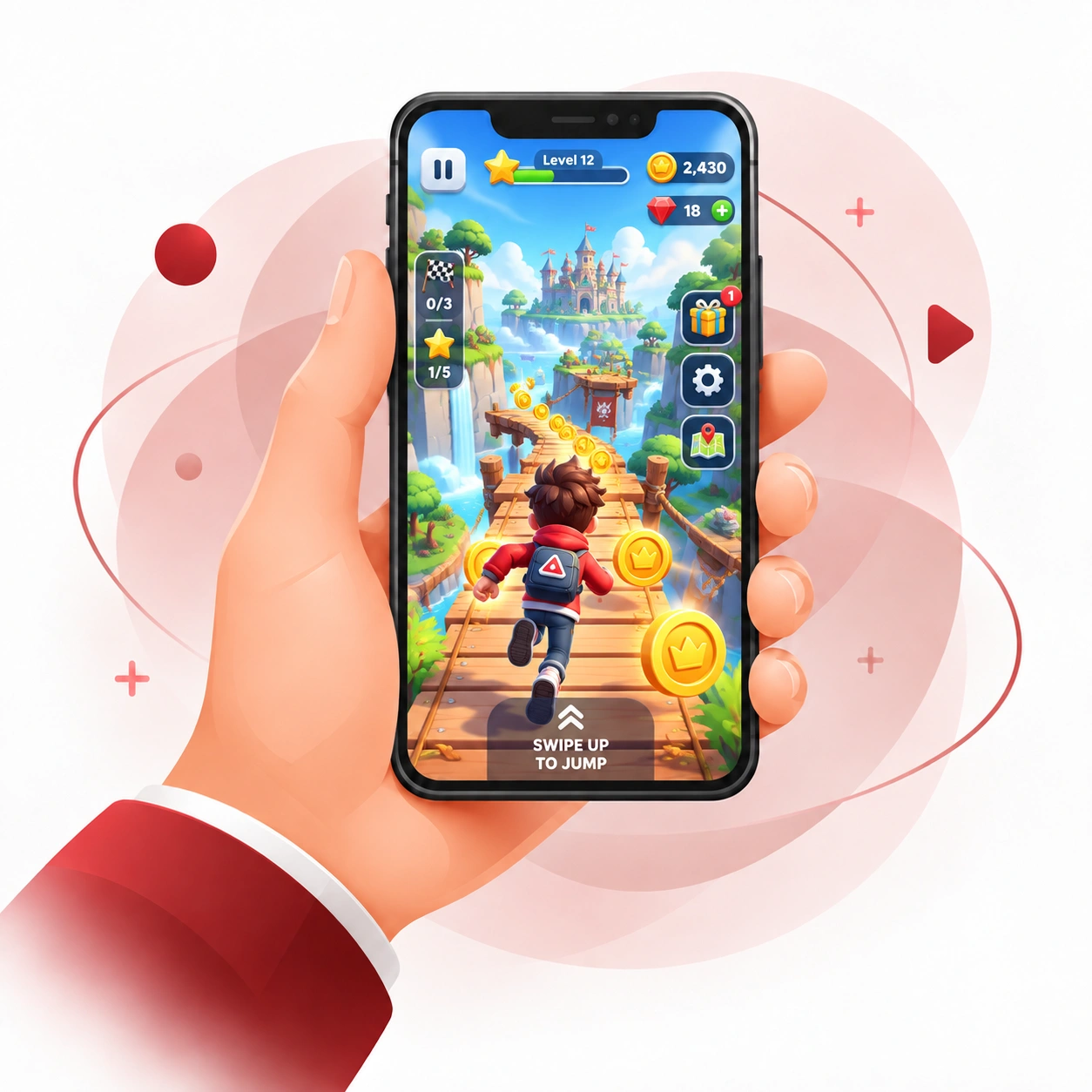 Open 24 Hours Games Free
Free Games Ready To Play At Any Hour Of The Day
Mopoga streams games straight into the browser you already have open, on a phone, a tablet or a desktop. Action, puzzle, racing, card, kids and multiplayer titles all start in the same tab, with nothing to install and no storage taken from your device.
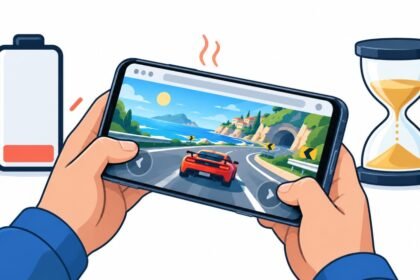
Best of all, every title is free. No account, no subscription and no download, so you can open a game on a break, play a round and close it again without leaving anything behind on your phone.
Support Team
No download · No sign-up · Free
Why choose Mopoga for free mobile games?

Mopoga is a free games library that runs inside the browser you already have open. No app store, no install, no account and nothing left behind on your phone once you close the tab. Everything below follows from that one decision.
Six reasons players stay, in the order they usually notice them.
The same free games, on iOS, Android and desktop
iOS: open Safari, tap a game, start playing
Nothing to fetch from the App Store and nothing to approve before you begin. Games open inside the tab you already have and take no storage from your iPhone or iPad, so you can try one on a break and close it without leaving a trace.
Who runs Mopoga
The people who keep Mopoga free, instant and worth opening
Mopoga exists so you can pick a game and be playing it seconds later, with nothing to download, nothing to install and no storage taken from your phone. Keeping that promise takes people. Four of them, with names and faces, choosing which titles go into the library, working out why one has stopped loading, and answering the messages that arrive at any hour of the day.

Brew
Founder
Nine years in mobile gaming. Decides which titles are worth your time and which never get listed.

Justin Scott
Game Development
Works out why a game will not load, then publishes the fix so the next player is not stuck.
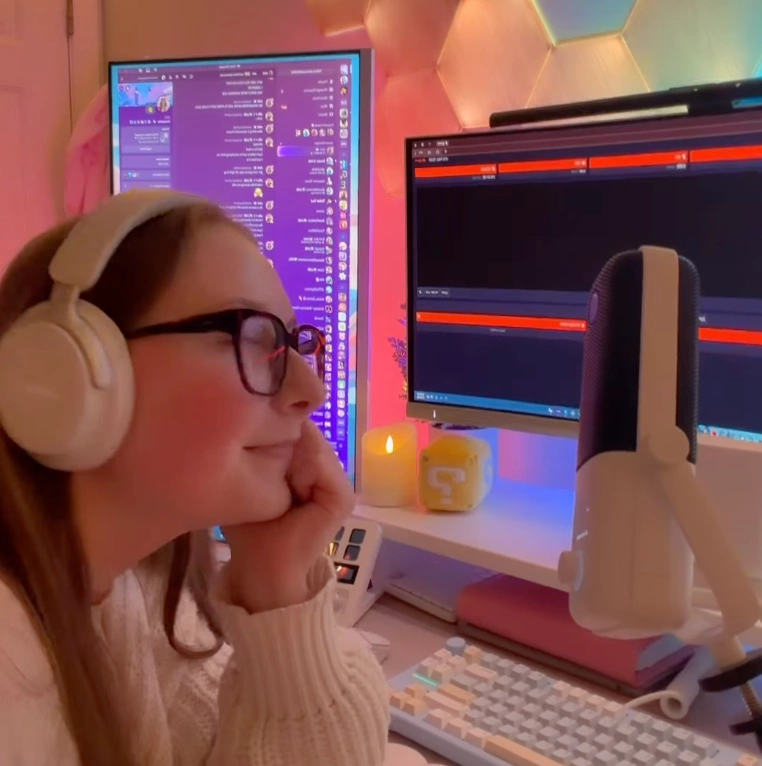
Elle
Social And Blog
Gaming video and entertainment, plus the posts that go out whenever a new game lands.

Em
Social And Blog
Keeps the feeds moving and the blog stocked with picks that are actually worth opening.
Based in
248 W 35th St
New York, NY 10001
A real street address and a phone line that gets picked up, not a contact form and silence.
Repair counter
Controllers, all major consoles
Xbox included, on the first floor at the same address, with a 60 day warranty on the work.
The library
24 game categories
Action, puzzle, racing and more. Every title opens in the browser, free, with nothing to install.