There is a particular kind of irritation that comes from losing a good run to an advertisement. Not the ad itself, which you expected, but the timing of it. You were two seconds from a personal best, or halfway through a thought, and a stranger started shouting about a puzzle game with fake gameplay footage. The run is gone, and the mood with it.
This article ranks the interruptions rather than the titles, and the reason for that choice matters enough to explain before anything else. Once you can recognise the shapes, you can judge any free game in about two minutes, including ones released after this was written.
Why A League Table Of Individual Games Would Lie To You
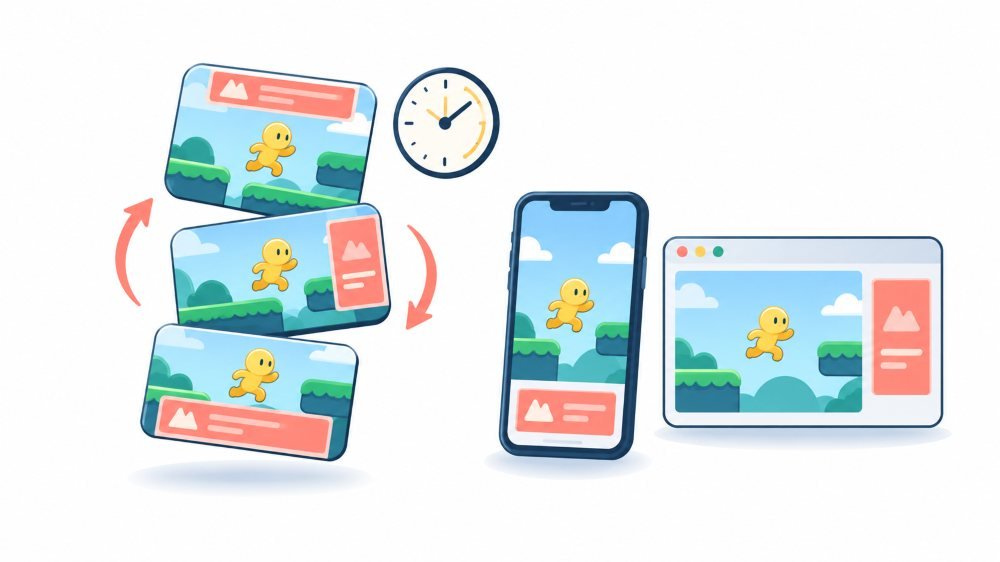
Ad frequency in most free games is not baked into the download. It is a setting on a server, adjusted by the developer or their ad partner, and it changes without an update. It varies by country, because advertisers pay different rates in different markets. It varies by how long you have played, because retention matters more than revenue in the first week. Some studios run the interval as a live experiment, which means two people on the same version of the same game genuinely get different experiences.
So a ranked list of named games would be accurate for one person, in one country, in the week it was written. Nobody maintains a current, independent, per-game measurement of ad frequency, and any article claiming one is describing a single session on a single phone. Learning the patterns is slower to read and far more durable.
Ranking, From Least Interruptive To Most
1. Games Where Nobody Is Selling Your Attention
The quietest games are the ones where advertising is not the business model. Research demonstrations from universities and large technology companies, tools with a paid professional tier, nonprofit and donation-funded projects, open-source games maintained by volunteers, and promotional pieces built to show off a studio’s work. None of them need your attention broken into sellable units.
This is the single most useful check you can make, and it takes thirty seconds. Look at the footer or the about page and work out who pays for the thing. A donations link, a research institution, a paid tier for professionals, a studio using the game as a portfolio piece: all of these predict a calm session far better than a star rating does.
2. Rewarded Ads You Choose To Start
Next come ads you opt into for something specific, usually an extra life, a hint, or a doubled reward. They are the one full-screen format that platform rules treat differently. Google’s Better Ads Experiences policy for Play apps is built around preventing unexpected full-screen interstitials, and opt-in ads sit outside that concern because the player asked for them.
They are the best of the interrupting formats because the interruption is scheduled by you. That said, opt-in is not the same as harmless. The reward is calibrated to make watching feel like the sensible choice, and a game that leans on rewarded video usually has a difficulty curve shaped around it. If you find yourself watching four in a row to clear one level, the game is not generous. It is charging you in thirty-second instalments.
3. Banners And Anything That Does Not Take The Whole Screen
A strip of advertising along the bottom of the play area is visually annoying and almost never interrupts. Trade coverage of the Play policy change noted that advertising which does not interfere with normal use, such as non-fullscreen banners, was left untouched by the new rules, and that reflects how players actually experience them.
The thing to watch is density rather than presence. When banners start occupying a serious share of the screen, or several stack around the playfield, a small phone screen turns into a viewport with a game somewhere in the middle. Accidental taps also rise sharply when an ad sits within a thumb’s reach of a control.
4. Full-Screen Ads At A Genuine Stopping Point
An interstitial after the results screen, or on the way back to the menu, is the least objectionable member of the full-screen family. You had already stopped. Under Play’s rules, these are treated differently from mid-play interruptions, and an ad placed where it does not interrupt an action is even allowed to run past the fifteen-second limit that otherwise applies.
Good implementations warn you. A brief “ad loading” notice before the screen changes costs the developer nothing and removes the startle entirely. It is a small courtesy, and its presence tells you somebody on that team was thinking about the player.
5. Video You Cannot Skip, On A Countdown
Now we are into the formats that consumers themselves rank at the bottom. The Coalition for Better Ads tested mobile app advertising with more than 45,000 people across seven countries. It published four in-app experiences that fell beneath the threshold of acceptability, including interruptive video interstitials and non-skippable interruptive video interstitials.
The countdown is the part that does the damage. Fifteen seconds of forced waiting is short in the abstract and long when you are holding a phone with nothing to do, and a game that runs one every ninety seconds is asking for roughly a sixth of your session in exchange for nothing you chose.
6. Ads Before You Have Played Anything
Bottom of the ranking, and the same research puts them there: video interstitials when opening an app, and full-screen ads that land at the start of a level or before the loading screen. You have not played yet. You tapped a button that said Play, and the thing that happened was advertising.
Google explicitly prohibited these for apps distributed through Play, alongside full-screen ads that cannot be closed after fifteen seconds. If you meet one in a Play-distributed game today, you have found either a policy violation worth reporting or a title that is not being maintained.
How To Judge A New Game In Two Minutes
Open it and count what happens before your first real action. An ad before the title screen is disqualifying on its own. An ad immediately after tapping Play is close behind.
Then look at the shop. If the first thing offered is a price to remove ads, before you have seen a single ad, the developer is telling you how many are coming. If the shop is full of small video icons attached to every reward, the game is built around rewarded viewing, and decisions about whether to watch will punctuate your session.
Finally, play three short rounds and notice where the breaks land. Breaks at the results screen mean someone thought about placement. Breaks on level entry, after a menu tap, or mid-run mean nobody did.
What A Free Game Costs Besides Your Patience
Video advertising is usually the heaviest thing a casual game loads, which matters on a metered connection and matters again on a low battery. Browsers have started defending against the worst of it. Chrome unloads an ad frame that crosses certain resource limits, specifically an ad you have not interacted with that uses more than four megabytes of network bandwidth, more than sixty seconds of main thread time in total, or more than fifteen seconds in any thirty-second window. When that happens, you get a grey box reading “Ad removed” instead of the ad.
That grey box is worth recognising. It is not your connection failing, and it is not the game breaking. It is your browser deciding that a single advertisement was consuming more of your phone than any advertisement should.
Browser Games And Installed Games Follow Different Rulebooks
A game running in your mobile browser is governed by the standards for mobile web advertising rather than app store policy. The formats that mobile web users ranked lowest include pop-ups, interstitials, ads occupying more than thirty percent of the screen, flashing animation, auto-playing video with sound, full-screen scrollover ads, and large sticky units. Read that list, and you have described most low-quality browser game portals exactly.
The trade-off runs both ways. A browser game is easier to abandon, cannot send you notifications unless you allow it, and leaves nothing behind when you close the tab. An installed game can be gentler about ad placement while being far more persistent about pulling you back.
What You Can Actually Change
Content blocking helps on the web and does nothing inside an installed app. Firefox’s strict mode, for example, blocks tracking content including ads and videos, with the acknowledgement that it might break some website functionality. That caveat is the whole story for games, which frequently load through the same machinery the blocker is filtering. Expect some games to stop working, and expect to switch protection off for the ones you want to keep.
Turning off personalised advertising changes which ads you see, not how many. People conflate the two constantly and then conclude the setting did nothing. It did what it says, and the frequency was never part of the deal.
Paying to remove ads is usually the honest trade, with two things to check first. Whether it is a one-off purchase or a subscription, and whether it removes rewarded ads as well. It normally does not, because those are the ads the game’s economy is built on.
Flight mode is the crude option and deserves an honest description. Some games silently skip an ad they cannot fetch. Others refuse to continue, lose progress that had not synced, or queue the ads for when you reconnect. It also removes the developer’s only payment for work you are using. If a free game is worth hours of your time, it is worth deciding deliberately whether to pay it with attention, with money, or by finding something else.
Ads, Children, And The Rules That Apply
Platform rules are strictest here. Apple’s review guidelines state that apps in the Kids Category should not include third-party advertising or analytics, permitting third-party contextual advertising only in limited cases where the provider publicly documents its practices and has creatives reviewed by humans for age appropriateness. A game sitting outside that category is under no such obligation, whatever its cartoon styling suggests.
Beyond the categories, the practical advice from the FTC on children, games, ads, and unexpected payments is worth following: look at reviews and gameplay videos before installing, use parental controls to turn off in-app purchases or require a password for every purchase, and agree on family rules in advance. Add one thing of your own to that list. Play the first ten minutes yourself and watch what the ads ask for, because a rewarded loop teaches a young child a very specific lesson about what attention is worth.
Safety Notes Worth Reading Once
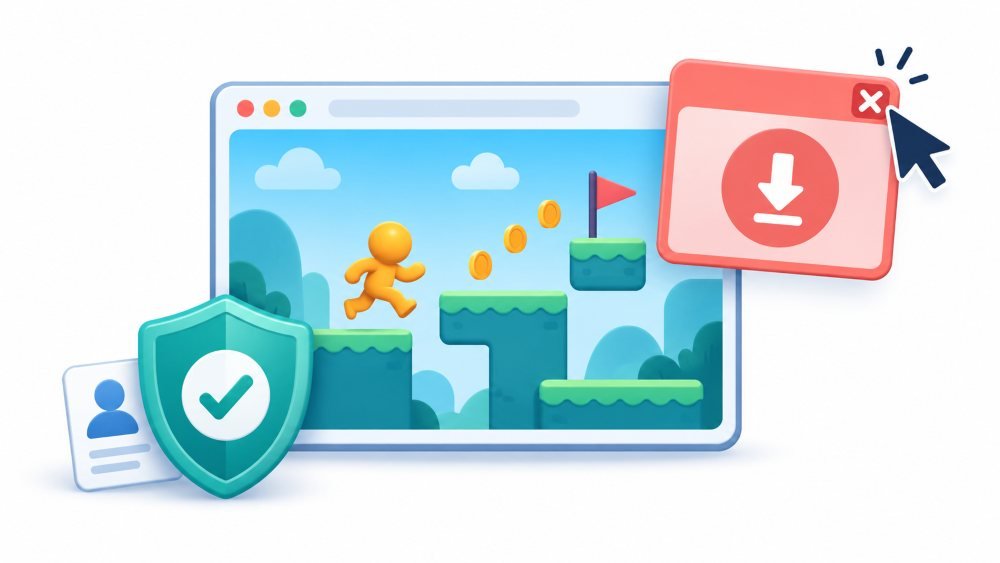
Treat anything an ad asks you to install with suspicion, especially when it arrives styled as a system warning, a battery alert, or a virus notice. Close the tab or force-close the app rather than tapping a button inside the ad, since fake close buttons are a standard trick and the real one is often a small grey cross in a corner.
Never type card details into anything that opened from inside a game advertisement. If an offer looks worth taking, leave the game, find the seller yourself, and start again from their own site.
Be aware too that the gameplay footage in mobile game advertising is frequently not from the game being advertised. That is a long-running complaint rather than a fringe problem, and it is a reasonable reason to distrust the entire category of install-now advertising you meet inside another game.
Limits Of This Ranking
The order of the formats is stable, because it comes from research into what people consistently dislike. The behaviour of any particular game is not stable at all. A title that felt generous in March can be sold, updated, or handed to a new monetisation consultant, and the ads will change without announcement.
A light ad load also does not mean a gentle game. Some of the calmest advertising sits alongside energy timers, currency conversions and streak mechanics, all of which cost more of your evening than an interstitial ever did. Interruption is one dimension of respect for your time, not the whole of it.